# Users with No Password Set

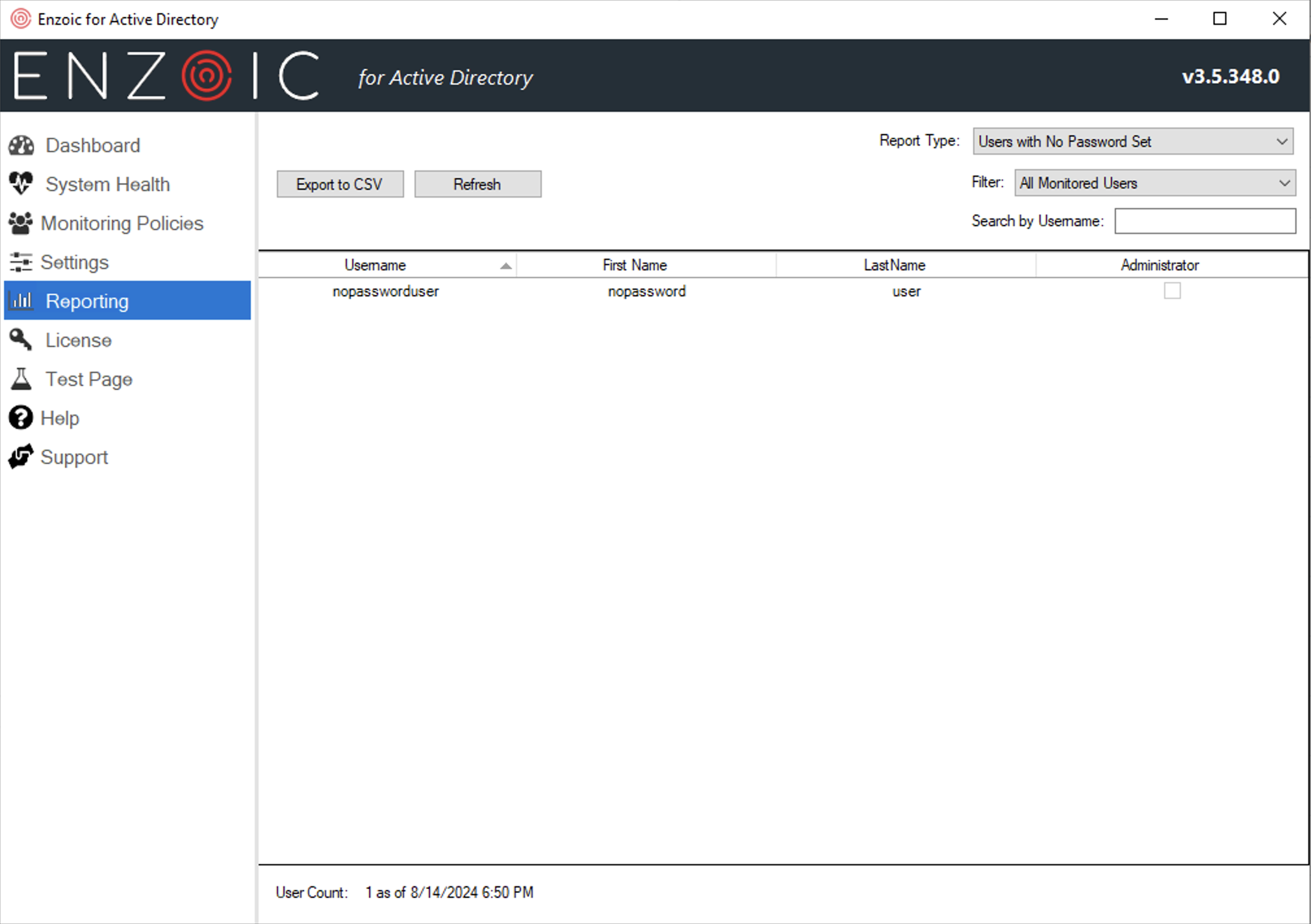
<div align="left"><figure><img src="/files/YZHBf5EZhSMvnH4nf7fO" alt="" width="375"><figcaption><p>Sample Users with No Passwords Set Report</p></figcaption></figure></div>

This report shows you a list of all the user accounts with no password set.  This is generally problematic from a security standpoint. &#x20;

The Update button in the header allows you to refresh the report. Since this report can be time-consuming to generate for larger domains, it is only refreshed on demand. If the data is stale (more than 15 minutes out of date), you will see a red warning message next to this Update button reminding you that you need to regenerate the report to see current data.

#### **Users with No Passwords Set Report Fields**

<table><thead><tr><th width="226">Field</th><th>Description</th></tr></thead><tbody><tr><td>Username</td><td>The user’s username in AD.</td></tr><tr><td>First Name</td><td>The user’s first name in AD, if present.</td></tr><tr><td>Last Name</td><td>The user’s last name in AD, if present.</td></tr><tr><td>Administrator</td><td>Whether the user account has some form of administrative permissions in AD</td></tr></tbody></table>


---

# Agent Instructions: Querying This Documentation

If you need additional information that is not directly available in this page, you can query the documentation dynamically by asking a question.

Perform an HTTP GET request on the current page URL with the `ask` query parameter:

```
GET https://docs.enzoic.com/enzoic-for-active-directory/product-usage/enzoic-installed-product-console/reporting/users-with-no-password-set.md?ask=<question>
```

The question should be specific, self-contained, and written in natural language.
The response will contain a direct answer to the question and relevant excerpts and sources from the documentation.

Use this mechanism when the answer is not explicitly present in the current page, you need clarification or additional context, or you want to retrieve related documentation sections.
